Best Wheel Visualizer for Tire Shops: Full Breakdown
A breakdown of the best wheel visualizer for tire shops — scored on rendering, fitment accuracy, quoting, and ease of use, with how the top tools compare.
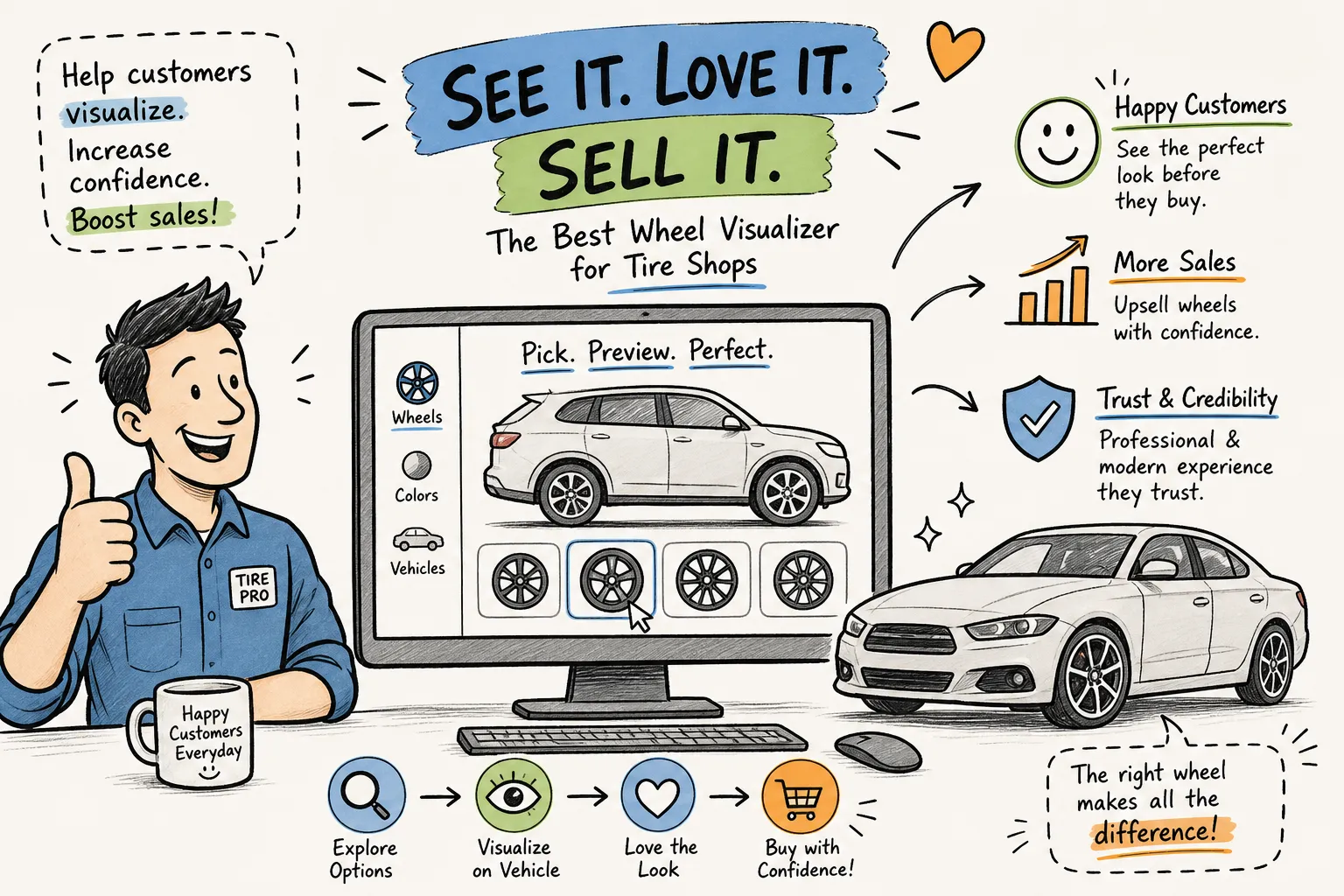
Choosing the best wheel visualizer for your tire shop is one of the highest-leverage decisions you can make at the counter. Owners spend real money on wheel inventory, catalog relationships, floor space, and staff training — yet deals still stall because the customer can't picture how a set of rims will look on their actual car. That hesitation is one of the costliest problems in wheel retail, and it's largely preventable.
Most wheel visualization tools look convincing in a product demo. Put them in front of a real customer on a busy Saturday and the gaps show up fast: generic stock models that don't match the customer's vehicle, no fitment data, no quote attached to the render. The customer says "let me think about it" and walks out. The tool that was supposed to close the sale just created more friction.
This breakdown covers what actually separates a useful wheel visualizer from a polished demo that doesn't convert. The comparison runs on four benchmarks that matter on the sales floor: rendering quality, fitment accuracy, quoting integration, and ease of use for non-technical staff. If a tool can't clear all four, it's a partial solution at best. For a practical checklist you can use at the counter, see how to choose a wheel visualizer for your shop.
What separates a useful wheel visualizer from a pretty demo
Most rim visualizer and wheel configurator tools were designed for consumer browsing on manufacturer or retailer websites — not for a live sales conversation at the counter. They work off year/make/model dropdowns and serve up generic stock renders. A customer looking at a silver sedan stock image while standing next to their matte-black truck isn't going to feel confident in that purchase. The gap between what they see on screen and what they're imagining keeps the hesitation alive.
Four criteria separate a floor-ready tool from a browser tool:
- Rendering: does the render look photoreal enough to move a customer emotionally?
- Fitment: does the tool validate fitment before a quote goes out?
- Quoting: is there a quote builder built in, or does staff have to leave the tool to generate a number?
- Ease of use: can a non-technical counter employee run it without a lengthy training session?
A tool that aces one or two of those still has gaps that cost you deals.
See it on your customer's actual car
RimFit turns a photo of the car + any set of rims into a photoreal preview in seconds — built for tire & wheel shops.
RimFit for shops →Why the best wheel visualizer needs photoreal rendering
There's a meaningful technical gap between a tool that drops a generic 3D wheel onto a stock car model and one that places rims onto a photo of the customer's actual vehicle using AI. Lighting, shadows, paint color, ride height, and fender proportions all affect how convincing the preview looks. Get them wrong and the render looks like a bad Photoshop job — the customer registers the disconnect even if they can't name it.
The psychology is straightforward. The "will it look right on my car?" hesitation is what stalls most rim deals. When a customer sees a photoreal render of their specific vehicle with the exact rims they're considering, that hesitation collapses. Shops using AI-driven visualization on customer photos have reported close rates jumping from roughly 25% to 40%, with average transaction values up around 27%. That's not a marginal improvement — it's a different business.
Photo-based AI vs. stock-model rendering
Some consumer tools do support actual photo uploads and use AI to place wheels on the customer's specific car, capturing real color, trim, angle, and surroundings — the right direction. Where they fall short is what happens after the render: they typically lack built-in fitment validation, quoting, shop branding, and shareable links, so shops stitch those together from other services. The visual is strong; the sales workflow isn't there. (More on this in generic 3D models vs. a photo of the real car.)
Fitment accuracy: the feature most wheel preview tools skip
Three variables determine whether a wheel physically fits a car: bolt pattern, offset (ET), and center bore clearance. Most consumer-facing virtual try-on tools don't surface any of this — they show the wheel on a render and leave the shop to figure out fitment separately. That's a liability, not a tool. A wheel that looks great in a preview but has the wrong bolt pattern is a return waiting to happen, and a wheel return costs a shop $300–$450 in labor, restocking, and trust. Do that a few times a month and the losses are real.
Some platforms maintain solid fitment databases covering bolt patterns, offsets, and tens of thousands of vehicles — genuinely valuable data. The problem is that the data isn't connected to a visualization workflow, so the shop tab-switches between a rim simulator and a fitment database: slow and error-prone at a busy counter. The common point-of-sale errors — incorrect offset assumptions, wrong bolt-pattern matches, center-bore mismatches on aftermarket wheels — are all preventable with verified data pulled at the moment of sale, not after. A tool that integrates fitment checking directly into the visual preview doesn't just improve the customer experience; it protects the shop's margin. (Background: the wheel fitment check and the wrong-fitment returns checklist.)
Quoting integration: the gap between "looks great" and "sold"
A customer who sees a render they love and says "I like those" still needs a number before they commit. If staff has to close the visualizer, open a spreadsheet, calculate mount and balance, look up TPMS pricing, add lug nuts, and type up an estimate separately, that gap gives the customer time to reconsider. "Let me check with my wife" is not a buying signal — it's what happens when momentum breaks.
A complete wheel quote covers wheel price, mount and balance, TPMS sensors, lug nuts, and labor in one itemized view the customer can read. Most configurator tools stop at the render — no quote builder, no line-item breakdown, no shareable summary — which defeats the purpose of building confidence with the visual in the first place. Quoting has to live inside the same tool as the visualization. When the quote is attached to the render and deliverable quickly, the close happens while the customer is still engaged. (See visual selling for wheel shops and how shops beat "let me think about it".)
How leading wheel visualizer tools compare
These tools fall into a few distinct categories: manufacturer-tied visualizers locked to their own inventory; consumer apps that are mobile-first and photo-based but built for individual buyers at home; and enterprise platforms with fitment databases and retailer integrations built for large-scale operations, not a single-location independent shop. Here's how they stack up against the four benchmarks:
| Category | Rendering | Fitment | Quoting | Floor-ready |
|---|---|---|---|---|
| Photo-based consumer apps | Photoreal (real photo) | No | No | Built for home buyers |
| Enterprise fitment platforms | Not AI photo-based | Strong database | Varies | Enterprise, not counter |
| Manufacturer / brand-locked | Catalog only | Within catalog | No | No (mixed inventory) |
| Mobile AR (consumer) | AR overlay | No | No | Personal shopping |
| RimFit (AI photo) | Photoreal on real car | Yes | Yes | Yes |
Among the widely available tools in this space, none currently combines AI photo-based rendering on the customer's actual car, real-time fitment validation, and an integrated quote builder in one floor-ready web app. Most options require shops to stitch together separate tools — and that stitching creates the friction that kills deals at the counter. For an in-depth ranking of the present options, see our best rim visualizer for tire shops — 2026 guide. For broader perspective on how AI is changing the retail floor, see how AI is transforming tire & wheel retail.
A floor-ready tool has one clear standard: a staff member can operate it quickly, generate shareable branded output, and hand the customer a quote before they walk out the door. That's the bar most tools in this space don't clear.
Why RimFit was built for tire shop sales
RimFit was built specifically around the tire and rim shop workflow — not adapted from a consumer browsing tool or an enterprise catalog platform. A staff member uploads a photo of the customer's car, selects rims from the shop's own catalog, and gets a photoreal AI render in seconds. No design skills. No software training. No stock-model limitations. The render reflects the customer's actual vehicle — color, angle, and surroundings included. See how the visualizer works or bring it to your shop floor.
The workflow doesn't stop at the visual. RimFit's AI wheel fitment checker flags bolt pattern, offset, and clearance mismatches before any quote is generated. The instant quote builder covers wheels, mount and balance, TPMS, and lug nuts in one itemized view. The shop sends a branded shareable link by text or email so the customer can review the render on their own time, share it with family, and come back ready to buy. No tab-switching. No patchwork tools. No gaps between the visual and the close. Learn more about visual selling for wheel shops, and how to show customers rims on their car before they buy.
The rim catalog supports bulk import via product URL, with AI auto-scraping name, specs, and image directly from the source. Every shared page carries the shop's logo, and a price-display toggle lets shops control what the customer sees before the conversation. Paid plans start at $49/month with a 14-day free trial — for most independent shops, one extra wheel sale per week covers it. See plans for shops.
The right tool is the one that actually closes deals
The best wheel visualizer for a tire shop isn't the one with the biggest rim catalog or the flashiest 3D models. It's the one that moves the sale forward at the counter without slowing staff down. Rendering quality, fitment accuracy, quoting integration, and ease of use are the four things that separate a configurator worth paying for from one that looks good in a demo and collects dust on a shop tablet.
Most tools in this market solve one or two of those problems; the gaps in the others are what keep deals from closing. If you've been losing rim sales to customer hesitation, or spending too long switching between a rim simulator and a separate quote tool, the fix isn't more effort from your staff — it's a tool built for the counter. RimFit addresses all four criteria in a single platform built for tire retail. The free trial takes minutes to set up and requires zero design experience. Run one render on a customer's actual car and the difference is immediate — start your free RimFit shop trial today.
Frequently asked questions
What makes the best wheel visualizer for a tire shop?
Four things, all at once: photoreal rendering on the customer's actual car (not a stock model), built-in fitment validation (bolt pattern, offset, center bore) before a quote goes out, an integrated quote builder for wheels/mount-and-balance/TPMS/lug nuts, and ease of use so any counter employee can run it in under a minute. A tool that only nails one or two still leaves gaps that cost deals.
Do most wheel visualizers check fitment?
No. Most consumer-facing visualizers show a wheel on a render and leave fitment to the shop to verify separately. Enterprise platforms have fitment databases but don't connect them to the visual workflow, forcing staff to tab-switch. A wrong bolt pattern or offset that looks fine in a preview becomes a $300–$450 return, which is why fitment validation built into the preview matters.
Why does photoreal rendering matter more than a 3D model?
Customers buy what they can see on their own car, not a lookalike. A photoreal AI render on a photo of the customer's actual vehicle — right color, stance, and angle — removes the "will it look right on mine?" doubt that stalls most rim sales. Shops report close rates rising from ~25% to ~40% with AI visualization on customer photos.
How much does RimFit cost?
RimFit's paid plans start at $49/month with a 14-day free trial. For most independent shops, one extra wheel sale per week covers the cost.
Show customers their car — before they buy
RimFit is the AI wheel visualizer built for tire & wheel shops.
RimFit for shops →