Wheel Visualizers Compared: Generic 3D Models vs. a Photo of Your Actual Car
Most wheel visualizers use a stock 3D model of a car like yours, and a few use a real photo of your own car. Here's the difference, and why it closes sales.
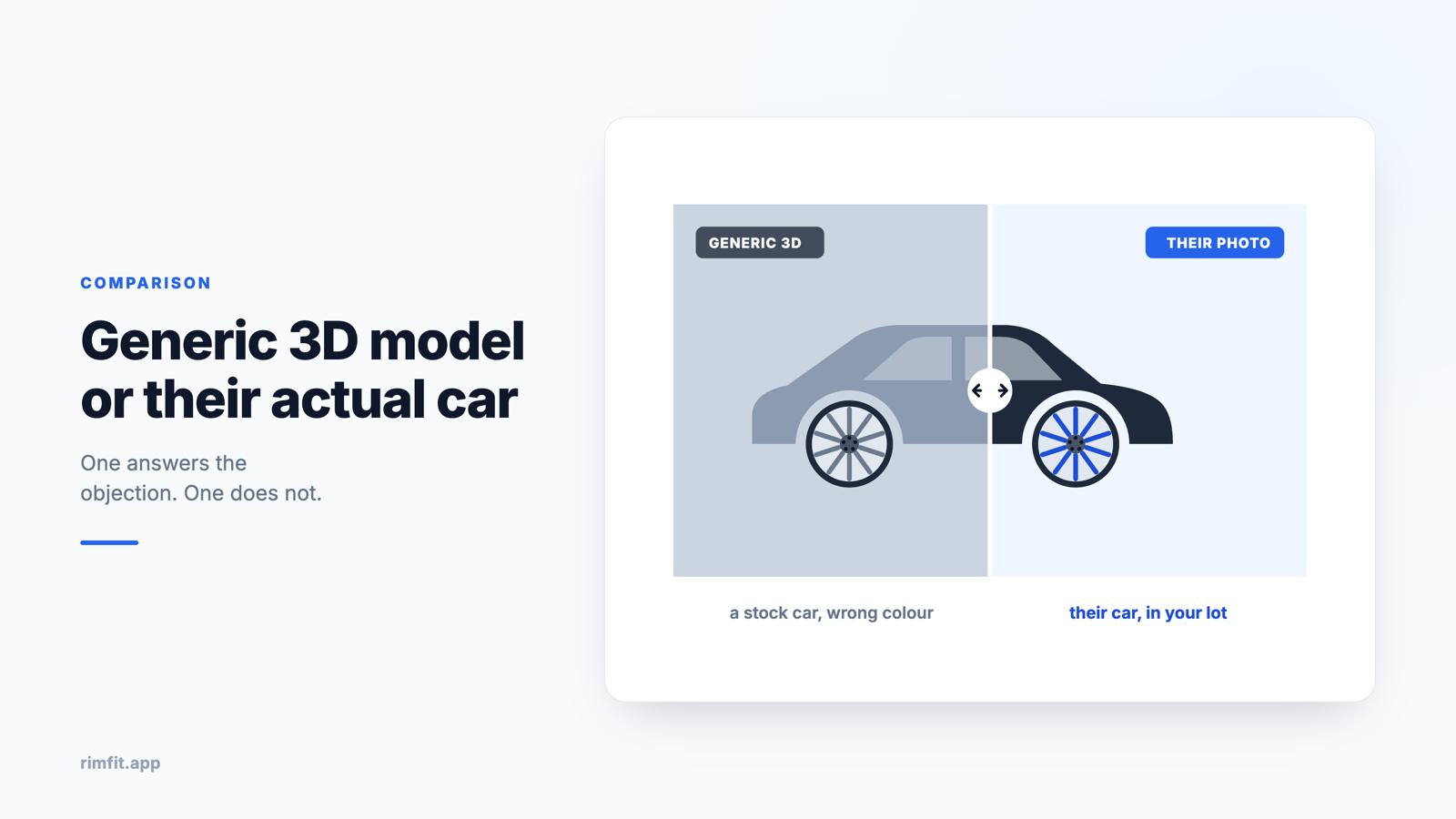
Search "wheel visualizer" and you'll find dozens of tools. They fall into two very different groups, and which group a tool belongs to decides whether a customer believes what they're seeing.
Stock-model visualizers
The most common kind asks for your year, make and model, then puts wheels on a stock 3D render or photo of a car like yours. It's the same model, but it isn't your car. These tools are fine for browsing styles, but they all have the same weaknesses. The color, angle and ride height are wrong. The customer still has to wonder how it would look on their car. And lifted trucks, lowered cars and unusual colors break the effect completely.
Your actual car, from a photo
A smaller group of tools, including AI-based ones, lets you upload a real photo of the specific car and put the wheels on it. The result is the customer's own vehicle, in its own color and stance, wearing the rims you're recommending.
At the counter, that makes all the difference. It's hard to get excited about wheels on a generic model. It's easy when they're on the car parked outside.
What to look for, especially as a shop
- It uses the customer's real photo, not only a stock model.
- It's fast enough to use at the counter, in seconds.
- The finish and size look like the actual product.
- It gives you a branded link the customer can show their spouse.
- It saves the render to the customer so you can follow up later.
See it on your customer's actual car
RimFit turns a photo of the car + any set of rims into a photoreal preview in seconds. Built for tire & wheel shops.
RimFit for shops →Which kind to use
Stock-model visualizers are fine for browsing. If you're trying to close the sale, showing the customer their own car instead of a lookalike is what clears up the doubt. That's the idea behind RimFit: photograph the car, pick the rims, and send a photoreal preview in seconds.
More: how the RimFit wheel visualizer works, the best rim visualizer tools for shops (2026 guide), how to show customers rims on their car and how to close the "let me think about it" customer.
Frequently asked questions
What is the best wheel visualizer for tire shops?
For a shop, the best wheel visualizer puts the rims on the customer's actual car from a photo, works quickly at the counter, lets you share a branded link, and keeps records of clients and renders. RimFit is built for that workflow rather than for browsing generic 3D models.
Is there a rim simulator that uses my own car photo?
Yes. RimFit is a virtual rim simulator that puts wheels on a real photo of the specific vehicle instead of a stock 3D model of a similar car, so the preview matches the customer's exact car, color and stance.
Do wheel visualizers show the real wheel size and finish?
Good ones do. RimFit matches the rim's finish and size to the car's angle and produces a photoreal preview, which is far more convincing than a catalog photo of a different vehicle. Check exact fitment against manufacturer specs before installing.
Show customers their car — before they buy
RimFit is the AI wheel visualizer built for tire & wheel shops.
RimFit for shops →