Rim Catalog Software: The Buyer's Guide for Tire Shops
A buyer's guide to rim catalog software for tire shops: bulk import, spec auto-fill, images and customer-facing display, plus how to evaluate vendors.
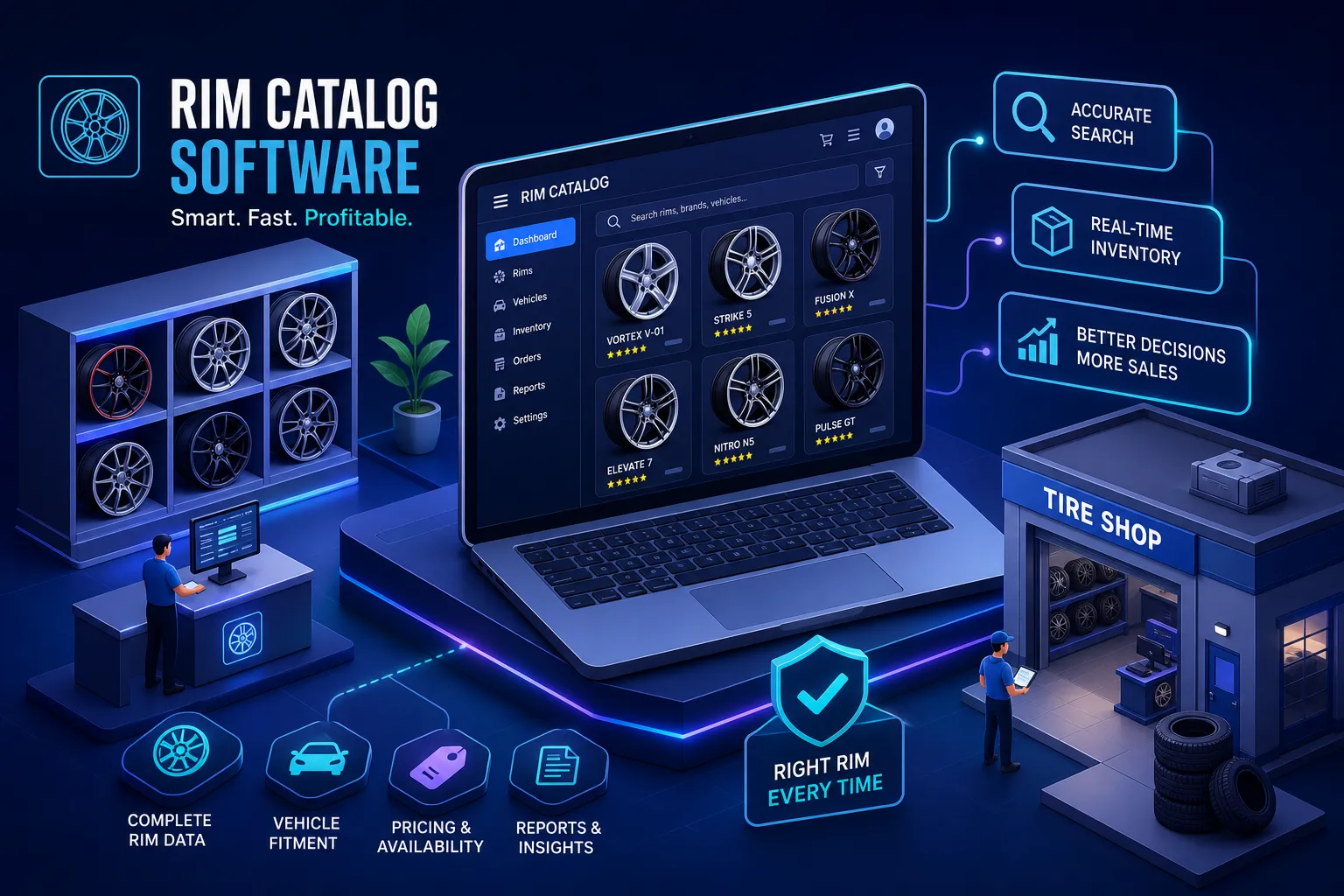
A lot of tire shops still manage their rims the way they did fifteen years ago. There are supplier PDFs in a desktop folder nobody can find, a spreadsheet one salesperson keeps up and nobody else trusts, and the catalog in the head of whoever has been there longest, which becomes a problem the day he's out sick. It isn't really a catalog, and it costs sales every day.
Good rim catalog software fixes that without a week of setup or a training manual. It gives you something searchable, accurate and quick enough to keep up with a customer standing at the counter. The better platforms also connect the catalog to the sale itself, with fitment checks and AI visualization, so a salesperson can go from "we have that" to "here's how it looks on your car" on the same screen. That's the standard to judge platforms by, and it's what RimFit was built to meet.
What rim catalog software should do
It helps to separate two kinds of software first. Inventory accounting software tracks stock levels, purchase orders, cost of goods and reorder points. Those are accounting jobs, and they matter. Rim catalog software does something else: it makes your rim selection easy to find, present and act on, for your staff and your customers. Many owners mix the two up and end up with a tool that handles the accounting well and the customer-facing side badly, or the other way round.
On the floor, the catalog's job is specific. A customer comes in asking about a style or fitment. The salesperson needs to find matching options in under a minute, show the customer something visual, and move toward a quote. If the catalog needs a training session to navigate, or a separate download to see images, it's already failing. Speed and clarity at the counter are what matter, and once you know to look for them, the tools that have them are easy to spot.
Four features that separate good catalogs from bad ones
1. Bulk import
A shop with hundreds of SKUs from several suppliers can't add products one at a time. Bulk import, especially import by product URL with AI pulling the name, specs and images, is the first thing to check. If a vendor can't show clean, fast bulk import in a demo, the time savings they promise elsewhere won't make up for the setup work. How long it takes depends on catalog size and data quality: a small, clean dataset can be running quickly, while a larger or messier catalog takes longer to move over. So ask how long it will take to import your catalog, not just whether bulk import exists.
2. Spec auto-fill
Bolt pattern, offset, load rating and hub bore all have to be right before a sale. AI auto-fill pulls that data from a source URL or product feed and fills in the fields without anyone typing them. That saves setup time, and it removes the typing errors that lead to wrong-fitment sales and costly returns. Wrong bolt-pattern or offset data typed in by hand is one of the most common causes of rim returns at independent shops, and the right tool prevents it. (See also what a wheel fitment check covers.)
3. Image management
Without good images, a rim catalog is a list of part numbers. Good image handling means consistent sizes, bulk photo upload, and clean display on a desktop or a tablet on the shop floor. Look for standard dimensions, zoom and several angles per product. A customer browsing your catalog is making a style decision, and a blurry or oddly sized image stalls that decision. Once they lose confidence in what they're looking at, the sale is harder to win back. For a closer look at image-first selling tools, see our guide to the best rim visualizer for tire shops.
4. Customer-facing display
The catalog your staff use and the one a customer sees often aren't the same screen, and the difference matters. A good customer-facing display has a clean layout, readable specs, clear pricing (with the option to hide prices) and your shop's branding rather than a generic template. What the customer sees is a sales page, not a data dump. Platforms that use one screen for both usually end up serving neither audience well.
See it on your customer's actual car
RimFit turns a photo of the car + any set of rims into a photoreal preview in seconds. Built for tire & wheel shops.
RimFit for shops →Where most catalog software stops
Most rim catalog tools stop at display. They organize the inventory and let customers browse, which is useful, but it leaves the hardest part of the sale to the salesperson's pitch. When a customer can't picture a rim on their own vehicle, "will it look good on my car?" is the question that loses the deal, and well-organized specs don't answer it. Only a picture does.
Here's how it usually goes. A customer gets interested browsing the catalog, asks good questions and gets confident answers. Then they say they want to think about it and leave, and in most shops they don't come back. The catalog did its job up to a point and then stopped. What was missing was something to clear up the doubt right when the customer was closest to yes, before they left the floor.
For wheel and tire retailers the obstacle is nearly always the same: the customer wants to see it on their car, not on a generic sedan in a product photo. A catalog with AI visualization built in is meant to close that gap. For more, read how AI is changing the tire and wheel shop floor.
How RimFit turns a catalog into a sales tool
RimFit keeps going where most catalog tools stop. From the catalog, staff can go straight into an AI visualization: a photoreal preview of a specific rim on the customer's vehicle, made in seconds from one photo taken at the counter. The catalog starts the visual conversation instead of ending it, and the "will it look good" hesitation goes away while the customer is still standing there.
Fitment is part of it too. RimFit's AI fitment check flags bolt pattern, offset and clearance mismatches against the vehicle's specs. The salesperson isn't only showing something that looks good. They're showing something that fits, with the data to back it up, and that makes for a much more confident close.
Once the doubt is gone, price is the next hurdle, and RimFit's quote builder handles it in the same flow. Rims, lug nuts, TPMS, and mount and balance are totaled in one step, with a branded link the customer can review by text or email. The catalog, the preview and the quote are one sequence instead of three separate tools. On a busy floor with limited time per customer, that often decides whether you close the sale or end up chasing a follow-up.
Questions to ask before you commit
Can staff use it without training?
Good catalog software needs no design skills and very little onboarding. Ask vendors how long it takes a new staff member to import a product, pull up a customer record and create something to share. If the answer involves days of training or IT setup, the tool is built for the back office, not the shop floor. With retail-focused tools, the basics of browsing and quoting should take under an hour to learn. Bigger platforms with more integrations may take longer.
What does the price include?
Watch for per-seat fees that climb as your team grows, modules sold separately from the core catalog, and setup fees tucked into the contract. RimFit has tiered pricing with a free option and paid plans from $49/month, including a 14-day free trial. See the pricing page for current details. Use that as a benchmark. If a competitor's base price is lower but key features need an extra module, the real cost ends up higher.
Will it work for a second location?
Single-location shops often buy for today and outgrow the platform within a few years. Ask whether the tool supports multiple locations, separate branding for each shop, and shared client and vehicle records. Features that seem unnecessary now can decide whether you're shopping for software again next year or building on something that grows with you.
A catalog that sells, not just one that organizes
A rim catalog is worth what it lets you do. At minimum it should make your inventory searchable, your specs accurate and your images clean. That's the baseline. The shops doing best in 2026 use catalog software that goes further and connects the inventory to a visual preview and a quote, so the catalog brings in revenue instead of just keeping things tidy.
If you're comparing platforms now, start with how fast bulk import is and how good the customer-facing display looks. Then ask whether the tool can take a customer from browsing to buying without switching apps. That one question narrows the list quickly. RimFit is built to answer yes. Start a free trial and see how it works in your shop.
Frequently asked questions
What's the difference between rim catalog software and inventory software?
Inventory accounting software tracks stock levels, purchase orders, cost of goods and reorder points. Rim catalog software makes your rims easy to search, present and sell from, for staff and customers at the point of sale. Many shops need both, but a tool that's strong at one is often weak at the other, so evaluate them separately.
What should I look for in rim catalog software?
Four things: fast bulk import (ideally by product URL with AI auto-fill), accurate spec auto-fill (bolt pattern, offset, load rating, hub bore), clean image management, and a polished customer-facing display with your branding and the option to hide prices. The best tools also connect the catalog to fitment checks and AI visualization, so browsing leads straight to a quote.
Why isn't a well-organized catalog enough to close wheel sales?
An organized catalog answers "do you have it?" but not "will it look good on my car?", and the second question is what stalls rim deals. A picture on the customer's own vehicle answers it. Catalogs with AI visualization built in handle that at the counter, before the customer leaves to think about it.
How much does rim catalog software cost?
It depends on the vendor and how features are bundled. RimFit starts free and has paid plans from $49/month with a 14-day free trial. When you compare, watch for per-seat fees, separately priced modules and setup fees that make a low base price misleading.
Show customers their car — before they buy
RimFit is the AI wheel visualizer built for tire & wheel shops.
RimFit for shops →